Send enquiry ⏎

Autodesk Maya Online Live Class by Experts

Our Training/Internship Process

Autodesk Maya Online Live Classes in Berlin | Free Demo Training

Autodesk Maya - Syllabus, Fees & Duration

Overview of Maya

  • Understanding the Maya interface
  • Setting up files and Maya projects
  • Configuring viewports
  • Customizing the interface
  • Navigating the Maya workspace
  • Using the hotbox and marking menus
  • Selecting objects
  • Using the Move tool
  • Rotating and scaling objects
  • Working with pivots
  • Understanding the Channel Box
  • The Attribute Editor

Maya Scenes

  • Organizing Maya Scenes
  • Working with the Outliner
  • Dealing with hierarchies
  • Object groups
  • Exploring Hypergraph
  • Hiding and showing objects
  • Working with layers
  • Working with selection masks

Working with Polygons

  • Creating Polygonal Models
  • Differences between NURBS and polys
  • Selecting polygonal components
  • Using Soft Select and reflection
  • Sculpting with the Sculpt tool
  • The Combine and Separate commands
  • Working with subdivision surfaces

Working with Meshes

  • Working with edge loops
  • Using Edge Flow for smooth geometry
  • Reorienting geometry using Spin Edge
  • Drawing detail with the Connect tool
  • Mirroring geometry
  • Modeling with nonlinear deformers
  • Modeling with lattices

NURBS-based Modelling

  • Refining NURBS Models
  • Extracting NURBS curves from surfaces
  • Open/ Close curves and surfaces
  • Creating curves on a surface
  • Projecting curves on surfaces
  • Trimming NURBS surfaces
  • Using fillets to connect surfaces
  • Converting NURBS to polygons

Using Materials

  • Creating Materials
  • Overview of Maya renderers
  • The basics of materials
  • Creating and applying maps
  • Using bitmaps as texture
  • Working with the Hype shade window
  • Using the Ramp material
  • Displacement and bump maps
  • Mental ray materials

Using Textures

  • Applying Textures
  • Texture mapping
  • Projecting textures on surfaces
  • Applying multiple materials
  • UV mapping
  • The UV Texture Editor

Rendering your Scene

  • Render Settings
  • Lights and lighting types
  • Rendering shadows
  • Camera basics
  • Depth of field
  • Motion Blur
  • Reflections and refractions
  • Matching lights and shadows to images
  • Batch rendering

Animating in Maya

  • The animation interface
  • Set Key
  • The Graph Editor
  • The Dope Sheet
  • Animating objects along spline paths
  • Ghosting animation
  • Animation playback using Playblast
  • Creating animation cycles

Download Syllabus - Autodesk Maya
This syllabus is not final and can be customized as per needs/updates
   
10000+
20+
50+
25+

Autodesk Maya Jobs in Berlin

Enjoy the demand

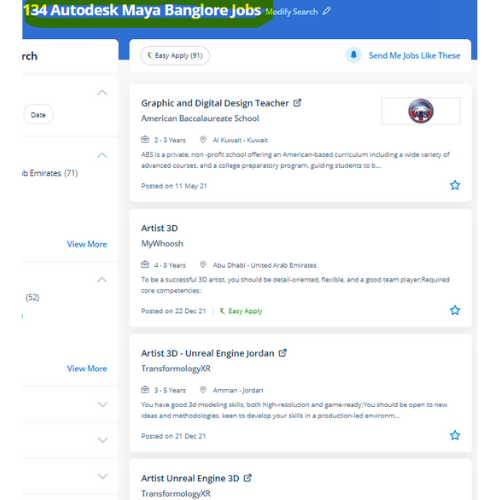
Find jobs related to Autodesk Maya in search engines (Google, Bing, Yahoo) and recruitment websites (monsterindia, placementindia, naukri, jobshybrid.com, indeed.co.in, shine.com etc.) based in Berlin, chennai and europe countries. You can find many jobs for freshers related to the job positions in Berlin.

  • Graphic Designer
  • Maya Trainer
  • Motion Graphic Designer
  • Generalist 3d
  • Technical Designer
  • Interior Designer
  • Designing Trainer
  • Freelance Graphic Designer
  • 3d designer
  • AutoCAD Draftsman

Autodesk Maya Internship/Course Details

Autodesk Maya internship jobs in Berlin
Autodesk Maya large film franchises like Transformers and Harry Potter use Maya technology to produce their wonderful visual effects and animation. they are even culpable for writing the program content which can be a mixture of absolute diligence and their promoting expertise. However, it is a good deal over a modeling code Maya is an ecosystem. On the big and little studio of Maya, you'll see various pipelines build, add their own plugins, and establish work routines. It offers wonderful support for scripting languages and everybody can produce plugins for Autodesk Maya with C++ and smart memory handling. Nestsoft provides an Autodesk Maya Animation online course that will prepare pupils with the fundamentals of 3D growing up with a Maya Animation course software. within the history of computer graphics, Maya is the most widespread 3D animation and modeling program. Meet Maya from Autodesk. The options of Maya aren't like using only modifiers, you'll be able to apply modeling layers but it is a free-form approach to 3D modeling. .

Meet a Few of our Industry Experts 🚀 Your Pathway to IT Career

Ankit

Mobile: +91 9895490866
Location: Online (Berlin, Germany)
Qualification: MCA

Experience: I have 1 6 years of experience in Android development Skills - java Kotlin Android XML JSON Git Firebase Jira  more..

Aditya

Mobile: +91 91884 77559
Location: Online (Berlin, Germany)
Qualification: B.Tech Computer science engineering

Experience: Enthusiastic and results-driven Graduate Web Developer with a proven track record in delivering high-quality website functionality and web application solutions  more..

Govind

Mobile: +91 89210 61945
Location: Online (Berlin, Germany)
Qualification: Btech

Experience: Skills:- java css html react tailwind javascript bootstrap firebase sql Experience:- 2 5 month frontend developer intern at starzedu classes  more..

Rutuja

Mobile: +91 91884 77559
Location: Online (Berlin, Germany)
Qualification: BE civil

Experience: 7 month experience in AutoCAD design consultant - HTJA and associates nashik  more..

Basil

Mobile: +91 91884 77559
Location: Online (Berlin, Germany)
Qualification: BCA

Experience: Understanding and design thinking Data analytics Video Marketing Graphic Designing   more..

Hema

Mobile: +91 8301010866
Location: Online (Berlin, Germany)
Qualification: B.E

Experience: net c# MVC angular SQL html css git cicd pipel7  more..

Rajendra

Mobile: +91 94975 90866
Location: Online (Berlin, Germany)
Qualification: Bachelor of Technology CSE-Data Science

Experience: Rajendra Dayma is a Computer Science & Engineering Data Science student at the Oriental Institute of Science and Technology Bhopal  more..

Ashish

Mobile: +91 91884 77559
Location: Online (Berlin, Germany)
Qualification: BE

Experience: python machine learning data science  more..

PRIYA

Mobile: +91 94975 90866
Location: Online (Berlin, Germany)
Qualification: MCA

Experience: I am a MCA Graduate I am interested to work as a junior Php developer  more..

R.Jeniha

Mobile: +91 94975 90866
Location: Online (Berlin, Germany)
Qualification: B.sc computer science

Experience: 4 years of experience Proficient in figma Certified in web design   more..

Mahima

Mobile: +91 98474 90866
Location: Online (Berlin, Germany)
Qualification: B.sc it

Experience: My name is mahima kumari I am pursuing b sc it from cimage college patna During this courses I have  more..

Alfiya

Mobile: +91 91884 77559
Location: Online (Berlin, Germany)
Qualification: BCA

Experience: Software testing in both manual and automation Communication skill Problem solving skill  more..

saurav

Mobile: +91 89210 61945
Location: Online (Berlin, Germany)
Qualification: BCA

Experience: Golang python Rust Backend postgres mongodb linux  more..

Sandip

Mobile: +91 94975 90866
Location: Online (Berlin, Germany)
Qualification: Mca

Experience: C and cop Core java android flutter   more..

Manohar

Mobile: +91 98474 90866
Location: Online (Berlin, Germany)
Qualification: B. Tech

Experience: Android kotlin jetpack flutter dart  more..

Nishant

Mobile: +91 98474 90866
Location: Online (Berlin, Germany)
Qualification: M.c.a,ccna,ccnp,firewall

Experience: Ccna ccnp security firewall jncia |   more..

Mahendran

Mobile: +91 9895490866
Location: Online (Berlin, Germany)
Qualification: Btech

Experience: Skills : 1 User interface design 2 User experience design 3 Wireframing and prototyping 4 Interaction design 5 Usability testing  more..

rishi

Mobile: +91 94975 90866
Location: Online (Berlin, Germany)
Qualification: JCHNP

Experience: sophos firewall configuration and server support configuration  more..

Sreeraj

Mobile: +91 8301010866
Location: Online (Berlin, Germany)
Qualification: Bachelor in engineering

Experience: 1 4 years of experience in manual testing Did certified software testing Course from ICT academy Kerala sun automation testing  more..

Chitimelly

Mobile: +91 94975 90866
Location: Online (Berlin, Germany)
Qualification: B.tech

Experience: I am good at python programming c programming SQL and machine learning  more..

Hritik

Mobile: +91 91884 77559
Location: Online (Berlin, Germany)
Qualification: B.E

Experience: I’m proficient in React js boasting hands-on experience in developing dynamic web applications My skill set includes creating reusable components  more..

Nikita

Mobile: +91 98474 90866
Location: Online (Berlin, Germany)
Qualification: Finally year

Experience: I am a CCNA developer and i have certified in CCNA training I am seeking for a job opportunity which  more..

Ninad

Mobile: +91 91884 77559
Location: Online (Berlin, Germany)
Qualification: B.Tech

Experience: I have good knowledge of linux SQL and cybersecurity With this i have 6 months hands on experience on full  more..

Sayli

Mobile: +91 91884 77559
Location: Online (Berlin, Germany)
Qualification: Bachelor in Engineering

Experience: I am Sayli Kadam I am all about making digital stuff look and feel awesome ! I studied Electronics Engineering  more..

Success Stories

The enviable salary packages and track record of our previous students are the proof of our excellence. Please go through our students' reviews about our training methods and faculty and compare it to the recorded video classes that most of the other institutes offer. See for yourself how TechnoMaster is truly unique.

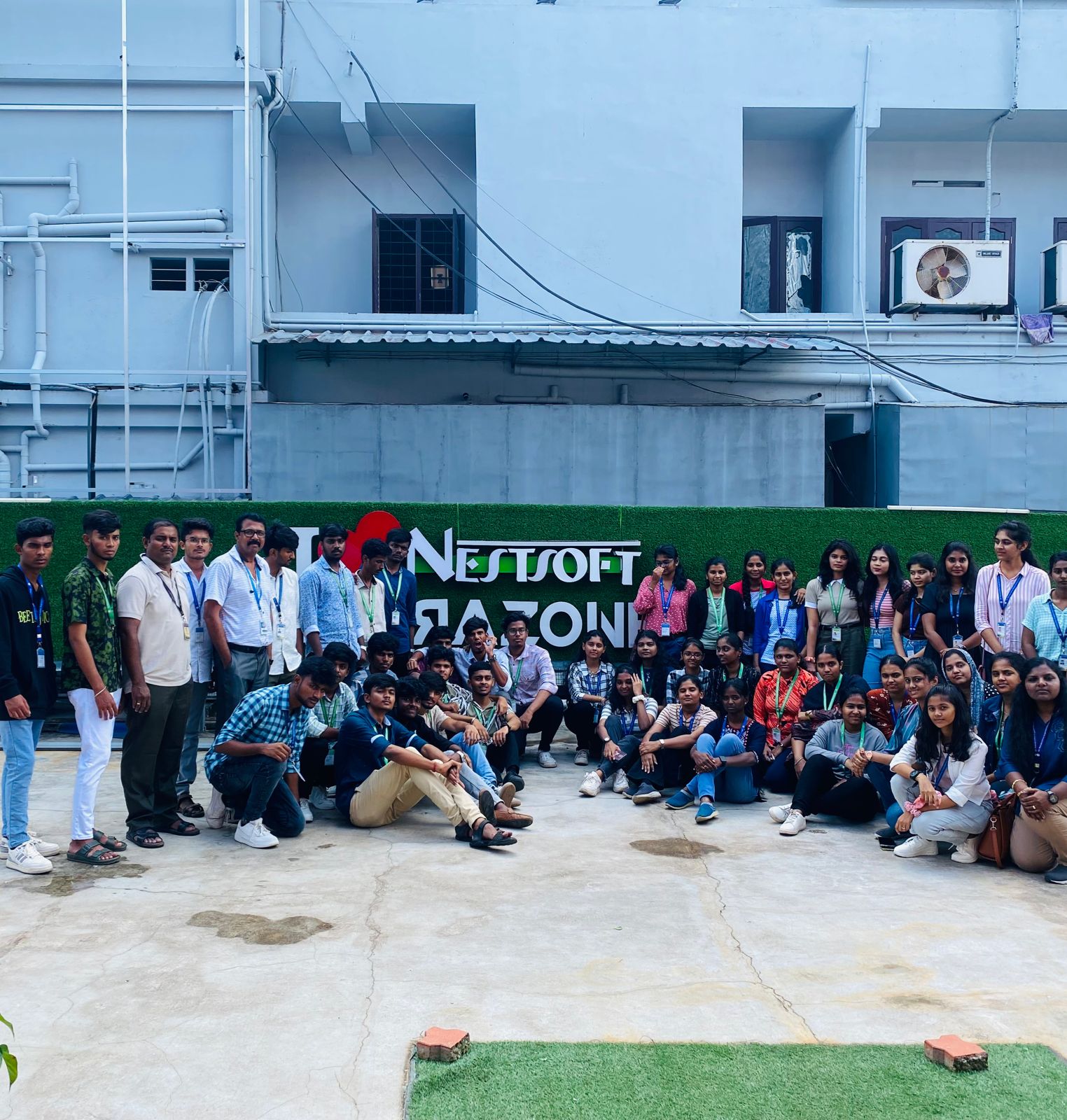
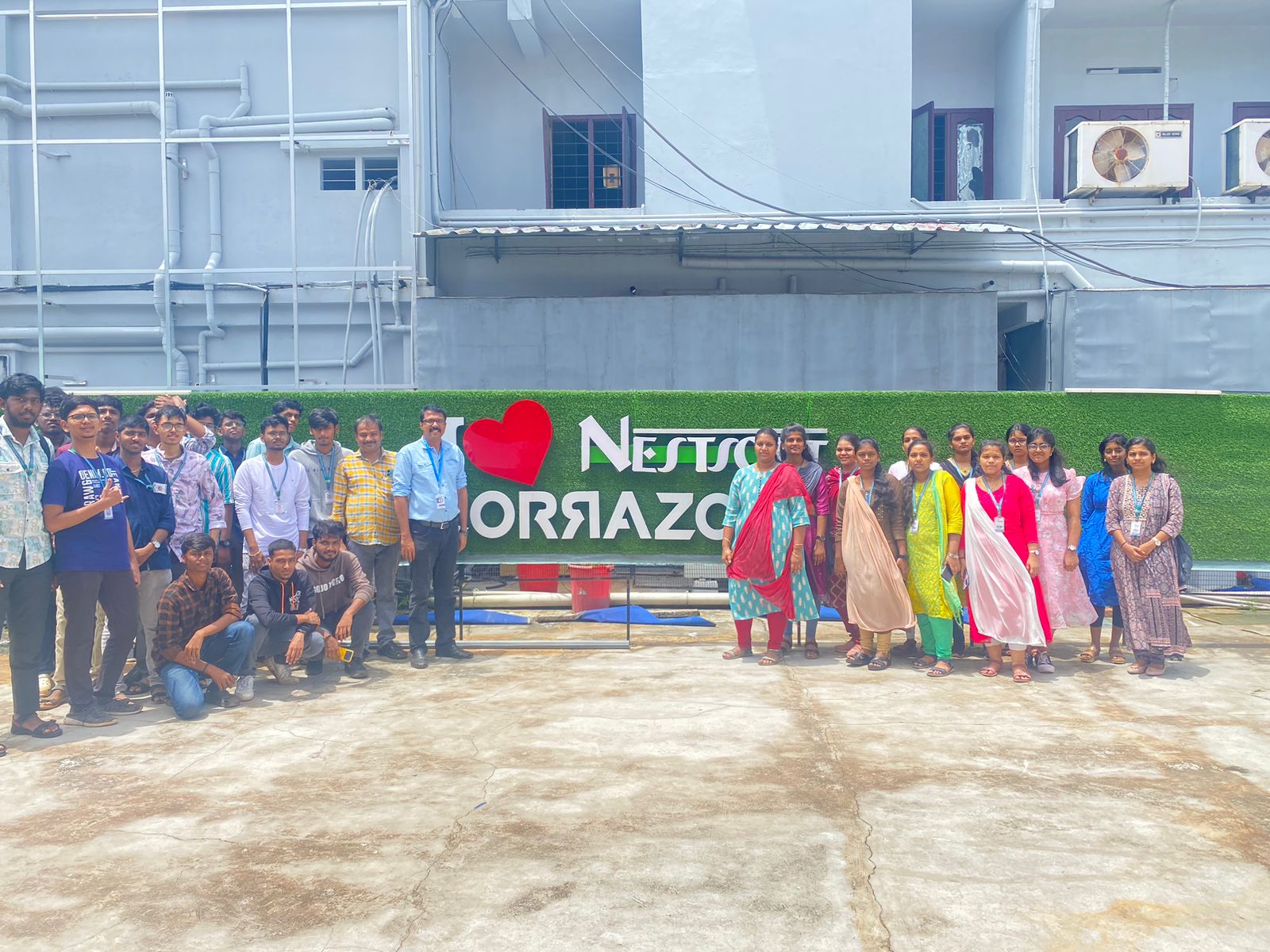
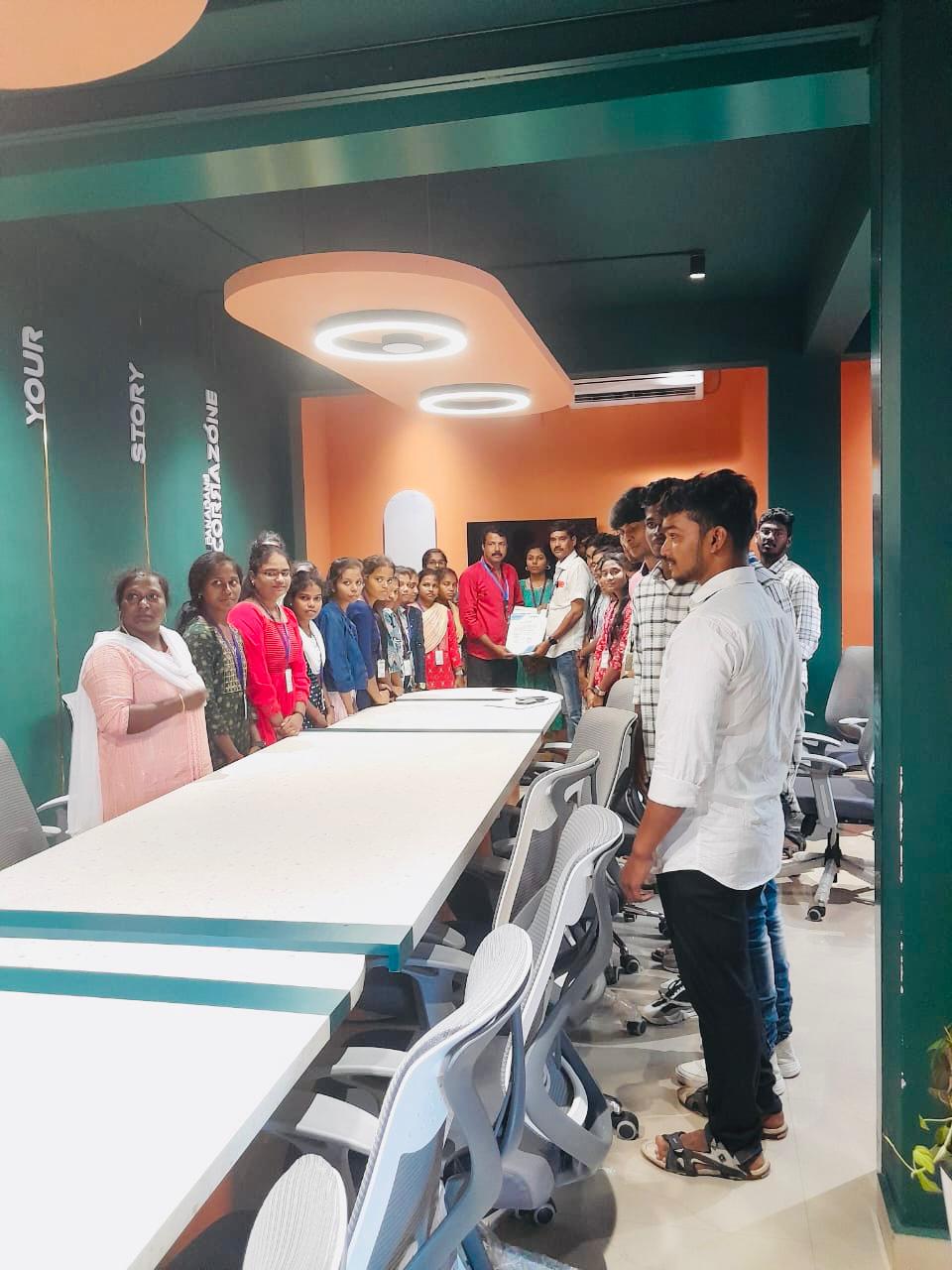
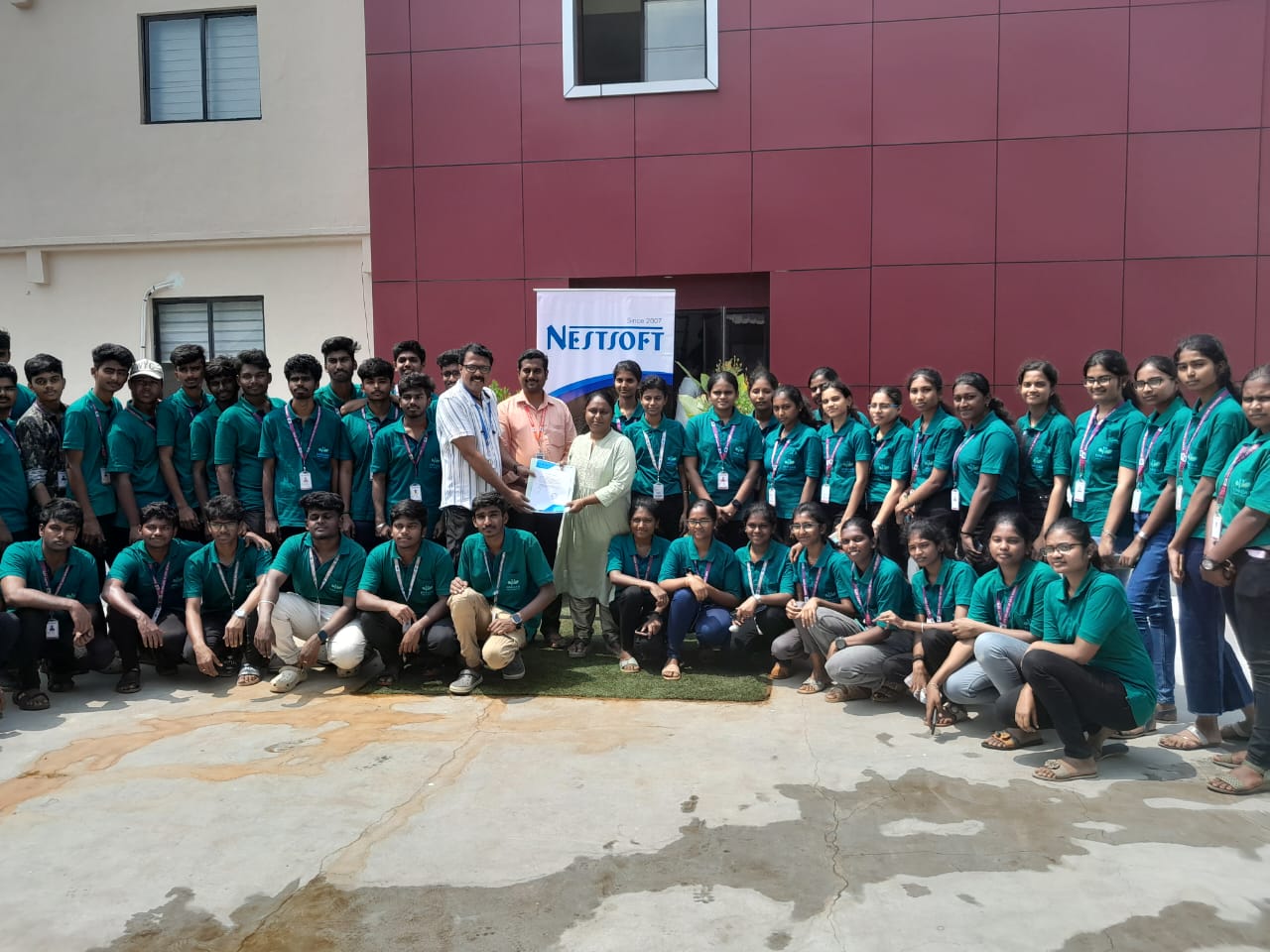
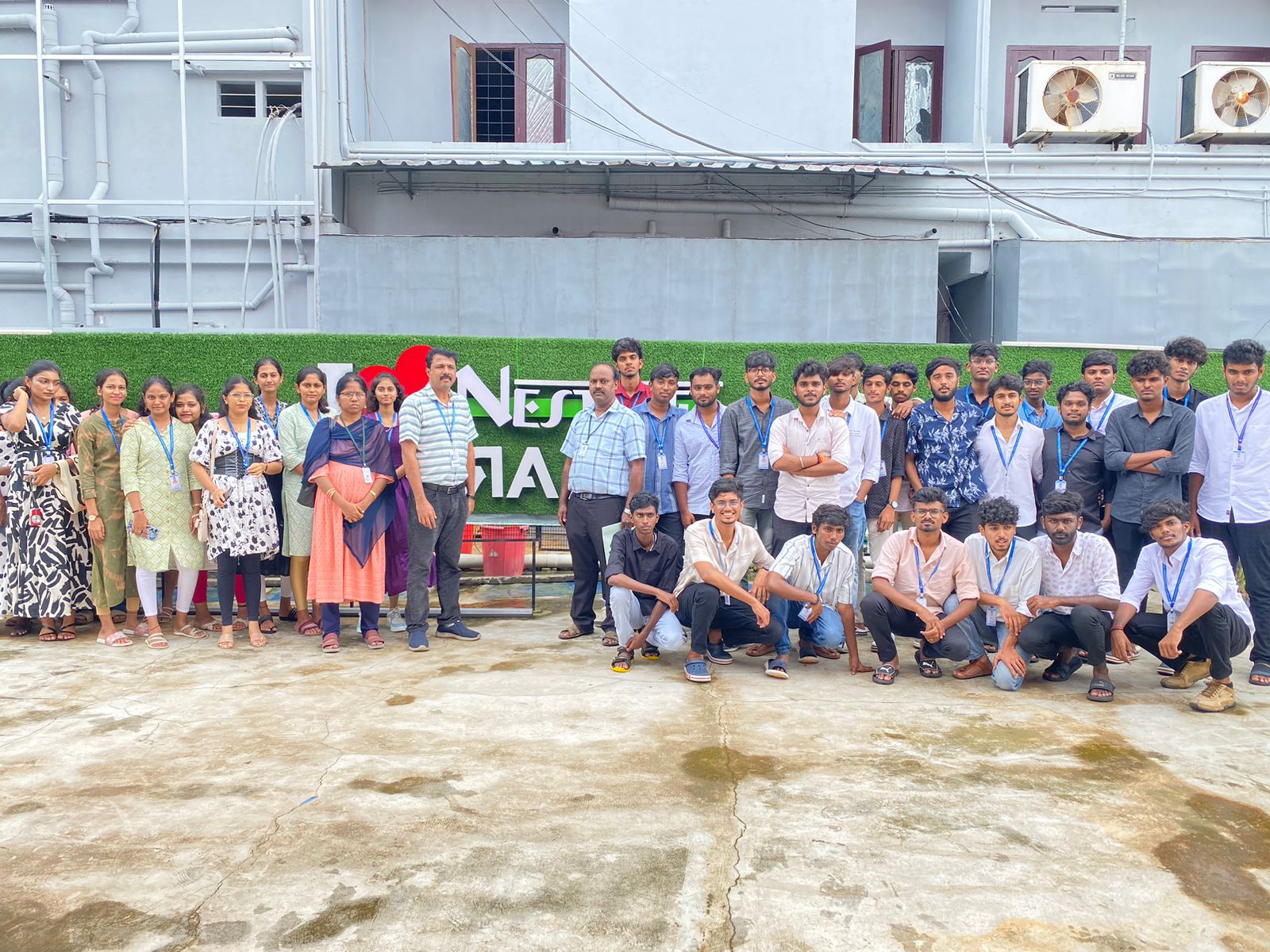
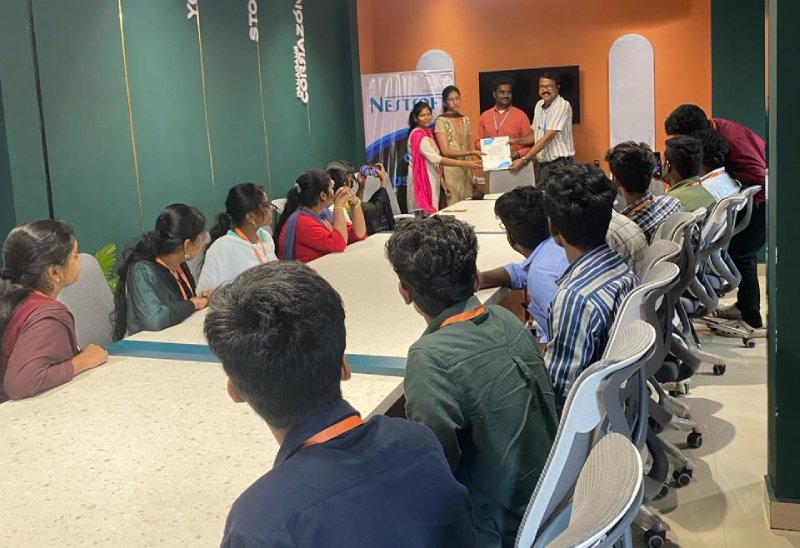
Photos of Training / Internships

Internship/projects in berlin

Trained more than 10000+ students who trust Nestsoft TechnoMaster

Get Your Personal Trainer