Send enquiry ⏎

CorelDRAW Online Live Class by Experts

Our Training/Internship Process

CorelDRAW Online Live Classes in Berlin | Free Demo Training

CorelDRAW - Syllabus, Fees & Duration

Module 1: Introduction to CorelDRAW

  • Installing CorelDRAW Graphics Suite 2019
  • Basics of CorelDRAW
    • Vector Graphics and Bitmaps
    • Starting and Opening Drawings
    • Previewing Drawings
    • Viewing Modes
    • Saving and Closing Drawings
  • CorelDRAW Workspace
  • Creative Tools and Content
  • Touchscreen and Wheel Devices

Module 2: Lines, Shapes, and Outlines

  • Lines, Outlines, and Brushstrokes
  • Shapes and Shape Objects
  • Symmetrical Drawing

Module 3: Working with Objects, Symbols, and Layers

  • Introduction to Objects
  • Linking and Embedding Objects
  • Layers and Symbols
  • Managing and Tracking Projects

Module 4: Colour, Fills, and Transparencies

  • Colour
    • Colour Models and Depth
    • Choosing Colours
    • Creating and Editing Colour Palettes
  • Uniform Fills and Fountain Fills
  • Vector and Bitmap Pattern Fills
  • Texture, PostScript, and Mesh Fills
  • Object Transparency
  • Managing Colours

Module 5: Exploring Special Effects

  • Lenses
  • Adding 3D Effects
  • Mosaics

Module 6: Working with Text

  • Adding and Manipulating Text
  • Formatting Text
  • Managing Fonts
  • Writing Tools

Module 7: Templates and Styles

  • Templates
    • Using and Finding Templates
    • Managing Templates
    • Creating and Editing Templates
  • Introducing Styles and Style Sets
    • Creating, Applying, and Editing Styles and Style Sets
    • Managing Default Object Properties
    • Importing and Exporting Style Sheets
  • Colour Styles
    • Creating and Applying Colour Styles
    • Editing and Viewing Colour Styles
    • Exporting and Importing Colour Styles

Module 8: Pages and Layout

  • Pages and Layout Tools
    • Page Layout and Background
    • Adding and Deleting Pages
    • Rulers
    • Document Grid and Pixel Grid
  • Tables
    • Adding Tables
    • Selecting, Moving, and Navigating Table Components
    • Inserting and Deleting Table Rows and Columns
    • Formatting Tables and Cells
    • Converting Tables to Text

Module 9: Introduction to Bitmaps

  • Working with Bitmaps
    • Converting Vector Graphics to Bitmaps
    • Importing and Cropping Bitmaps
    • Bitmap Dimensions and Resolution
    • Straightening Bitmaps
    • Image Adjustment Lab
    • Adjusting Colour and Tone
    • Tone Curve Filter
  • Special Effects Categories
  • Bitmap Colour Modes
  • Introducing Trace
    • RAW Camera Files

Module 10: Web Graphics

  • File Formats
    • Importing and Exporting Files
    • Exporting to PDF
    • Supported File Formats
  • Customising and Automating
    • Setting Basic Preferences
    • Customising CorelDRAW
    • Using Macros and Scripts for Automating Ta
  • Download Syllabus - CorelDRAW
    This syllabus is not final and can be customized as per needs/updates
   
10000+
20+
50+
25+

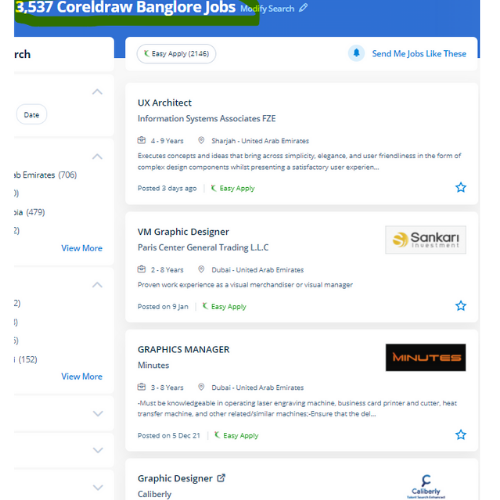
CorelDRAW Jobs in Berlin

Enjoy the demand

Find jobs related to CorelDRAW in search engines (Google, Bing, Yahoo) and recruitment websites (monsterindia, placementindia, naukri, jobshybrid.com, indeed.co.in, shine.com etc.) based in Berlin, chennai and europe countries. You can find many jobs for freshers related to the job positions in Berlin.

  • Corel Draw Designer
  • Graphic Designer
  • CorelDraw trainer
  • UI/UX Designer
  • Digital graphic designer
  • Multimedia designer
  • Graphics manager
  • Layout artist
  • Creative graphic designer
  • Interior designer

CorelDRAW Internship/Course Details

CorelDRAW internship jobs in Berlin
CorelDRAW Professionals working in the publishing and advertising business will produce distinctive brand identity assets victimization this software. Interested candidates could register for our CorelDraw training course. We will train you remotely, after completion of the course if you have got any doubt then our team can always assist you. small businesses that turn out in-house promoting materials also benefit from the amazing capabilities of this software. we know CorelDraw could be a Vector graphics editor and designer computer code software it offers us a variety of exciting tools that creates the operating of CorelDraw software simple. you'll create professional logos, brochures, business cards, and alternative advertising elements with the help of these tools and would possibly provide them different appearances consistent with the wants of your client. Additionally, it has several predesigned templates, Clipart & photographic camera images accessible that help you in exploring your idea of graphics designing throughout working with it. . CorelDraw is the best graphic designing and vector designing software, that would be a comprehensive collection of all tools and choices that are used for expert graphic designing fraternities. it is meant to change two-dimensional pictures, for example, logos, banners, and so on.


Meet a Few of our Industry Experts 🚀 Your Pathway to IT Career

VIVEK

Mobile: +91 89210 61945
Location: Online (Berlin, Germany)
Qualification: B.tech

Experience: UI API tester Functional testing Smoke sanity retesting and regression testing API testing with postman BDD framework Assist in hybrid  more..

Naman

Mobile: +91 91884 77559
Location: Online (Berlin, Germany)
Qualification: Ug final year student

Experience: Seo Google analytics Facebook paid campaign wordpress   more..

Rajesh

Mobile: +91 8301010866
Location: Online (Berlin, Germany)
Qualification: 12th pass

Experience: Hello 👋 I am writing to express my strong interest in the WordPress Developer With my extensive experience in WordPress  more..

Neethu

Mobile: +91 94975 90866
Location: Online (Berlin, Germany)
Qualification: B.Tech

Experience: java Core java advanced java Basics of python Sql HTML DBMSApplication for Java Spring  more..

Vijesh

Mobile: +91 91884 77559
Location: Online (Berlin, Germany)
Qualification: Bachelor Degree in IT

Experience: 12 years of experience in native iOS development   more..

Kakul

Mobile: +91 91884 77559
Location: Online (Berlin, Germany)
Qualification: Bachelors in computer applications

Experience: Have 2 years of experience do on page off page technical and local seo as well Currently handling 9 projects  more..

Litheesh

Mobile: +91 91884 77559
Location: Online (Berlin, Germany)
Qualification: B.sc cs

Experience: Hi I am s Litheesh Sharma I am a 22 year old boy I am B sc cs degree compled  more..

Sudarsan

Mobile: +91 91884 77559
Location: Online (Berlin, Germany)
Qualification: Bachelor degree

Experience: I have 2 years of experience in the area of automation and well versed in programming languages   more..

Naga

Mobile: +91 91884 77559
Location: Online (Berlin, Germany)
Qualification: MCA

Experience: I am capable of doing plugin customisation plugin development block development theme creation in WordPress  more..

CHIPPY

Mobile: +91 98474 90866
Location: Online (Berlin, Germany)
Qualification: BSc BEd

Experience: Curriculum development and lesson planningClassroom management and disciplineDifferentiated instruction to accommodate various learning stylesUtilization of technology in teaching (e g  more..

Poornima

Mobile: +91 91884 77559
Location: Online (Berlin, Germany)
Qualification: BE

Experience: I possess a diverse skill set that includes proficiency in programming languages such as C C# NET Python and web  more..

ANJU

Mobile: +91 91884 77559
Location: Online (Berlin, Germany)
Qualification: B.Tech

Experience: Worked as 6 month intern at irohub infotech ernamkulam Then i completed a course in python with django framework  more..

Barinder

Mobile: +91 91884 77559
Location: Online (Berlin, Germany)
Qualification: Mca

Experience: Mvvm kotlin Java Android react native navigation Room Google map payment gateways firebase etc  more..

Seema

Mobile: +91 91884 77559
Location: Online (Berlin, Germany)
Qualification: Bachelor of arts

Experience: I completed my web design and development course in this year and I have good knowledge of HTML CSS javascript  more..

Pranoti

Mobile: +91 8301010866
Location: Online (Berlin, Germany)
Qualification: MTech

Experience: I have good knowledge of aws cloud devops with tools terraform grafana cloud watch tomcat nginx keycloak apache good knowledge  more..

Gowrishankar

Mobile: +91 91884 77559
Location: Online (Berlin, Germany)
Qualification: BE

Experience: Cyber security Information security Basic networking concepts  more..

Jayesh

Mobile: +91 91884 77559
Location: Online (Berlin, Germany)
Qualification: MCA

Experience: I have experience as a Web developer and web designer for 5+ years of experience My skills WordPress php core  more..

sreejith

Mobile: +91 91884 77559
Location: Online (Berlin, Germany)
Qualification: BCA

Experience: 1 year experience as android developer cum trainer Zoople technologies kaloor 7 month experiece as android developer in ynotinfosolutions infopark  more..

Sumit

Mobile: +91 89210 61945
Location: Online (Berlin, Germany)
Qualification: Mca

Experience: I m fresher but I m well known to Java html react python data structures   more..

Silpa

Mobile: +91 91884 77559
Location: Online (Berlin, Germany)
Qualification: BTech

Experience: Python Full stack development training and SAP CRM consultant Client Handling  more..

Ananthu

Mobile: +91 89210 61945
Location: Online (Berlin, Germany)
Qualification: MBA

Experience: I am a Fresher in the Digital Marketing domain and have 4 years of experience in business development and  more..

V

Mobile: +91 91884 77559
Location: Online (Berlin, Germany)
Qualification: B tech

Experience: Android developer 5 year Kotlin e year Mvvm 2 years  more..

Gunjan

Mobile: +91 8301010866
Location: Online (Berlin, Germany)
Qualification: B.tech

Experience: My name is Gunjan You can hire me for this role because I am a quick learner I will focus  more..

Ponnapati

Mobile: +91 91884 77559
Location: Online (Berlin, Germany)
Qualification: B.tech

Experience: Hi I hv overall 4 year's of experience information security testing and I have more exp web applications and I  more..

Success Stories

The enviable salary packages and track record of our previous students are the proof of our excellence. Please go through our students' reviews about our training methods and faculty and compare it to the recorded video classes that most of the other institutes offer. See for yourself how TechnoMaster is truly unique.

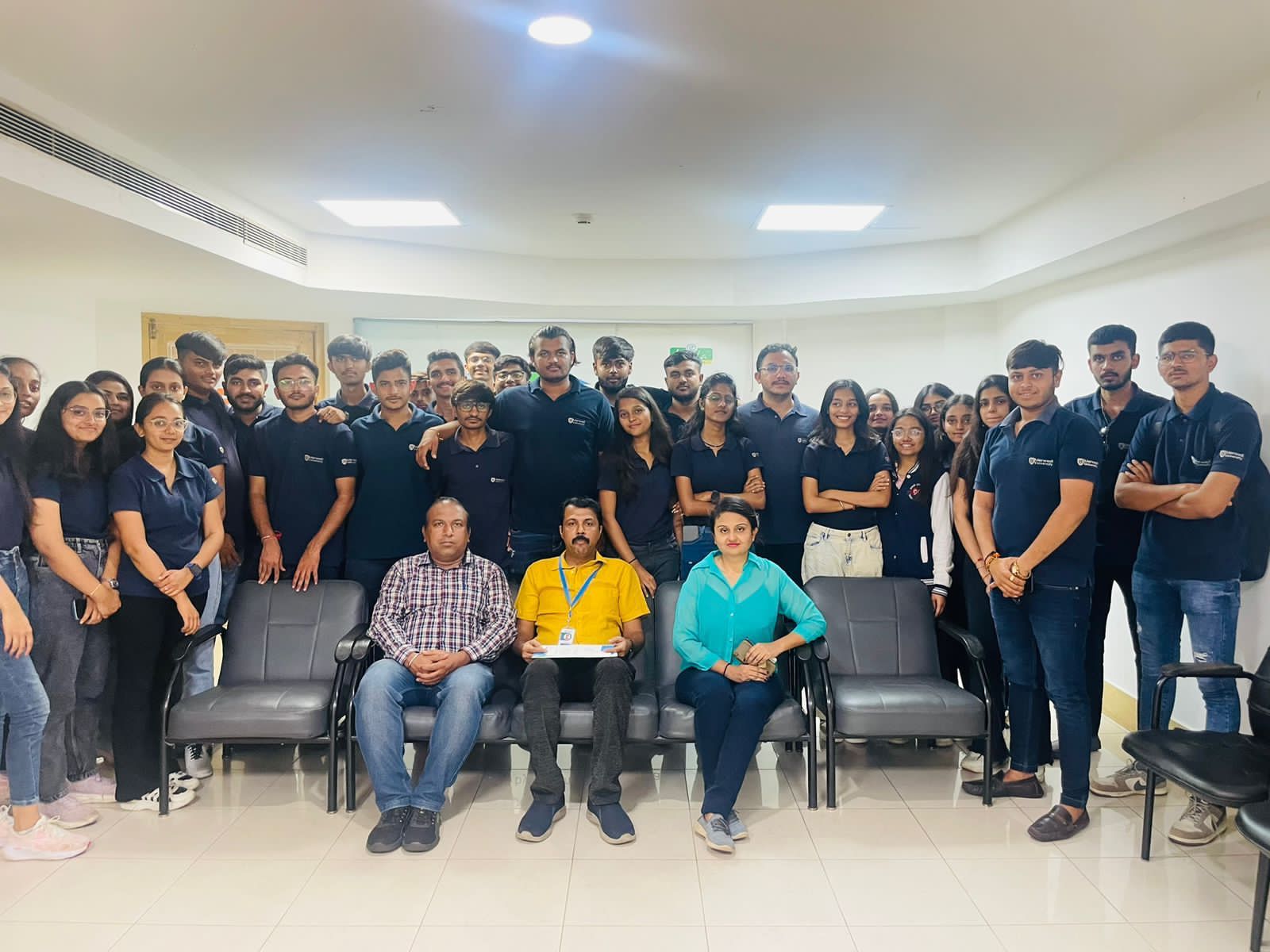
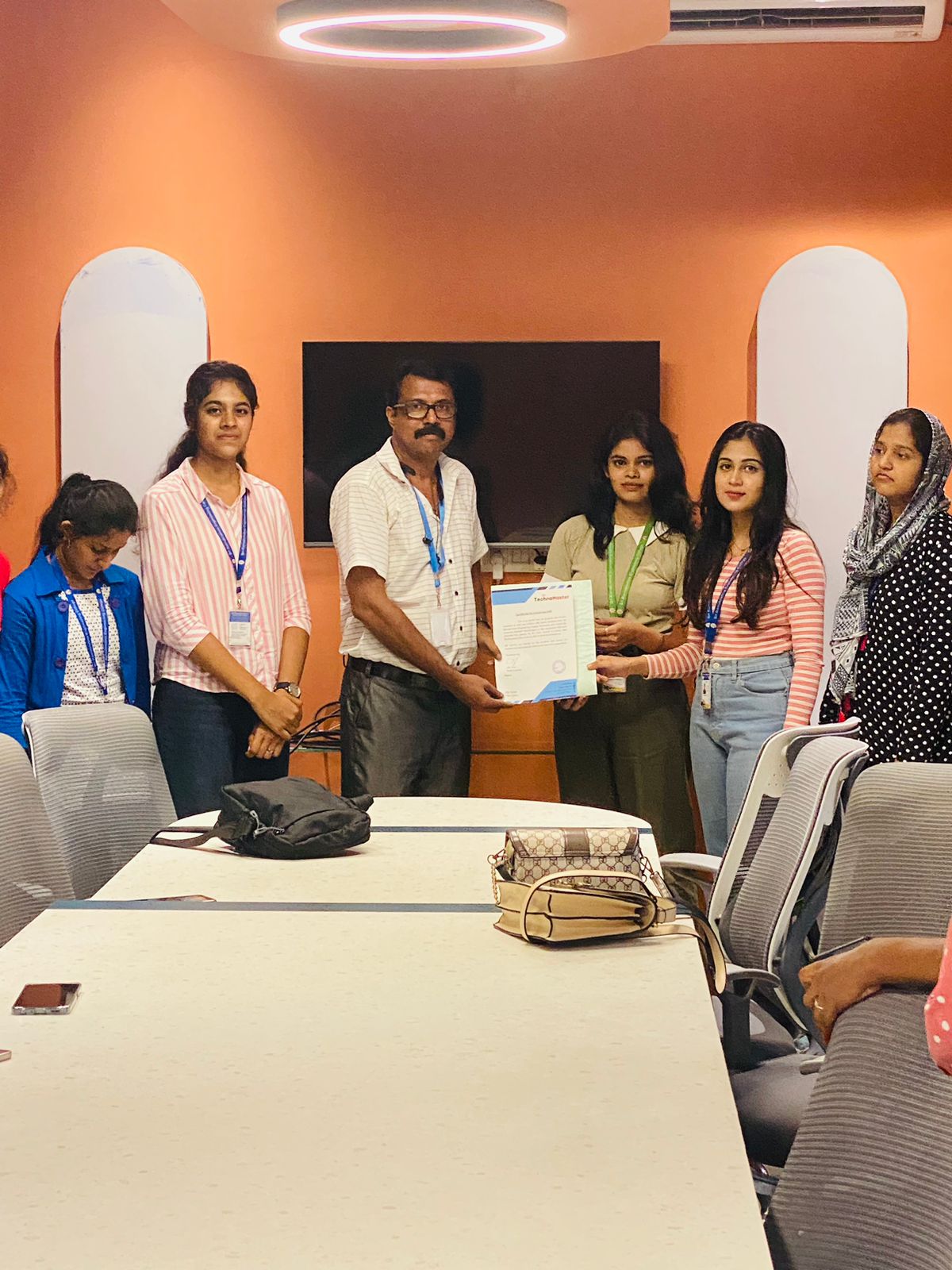
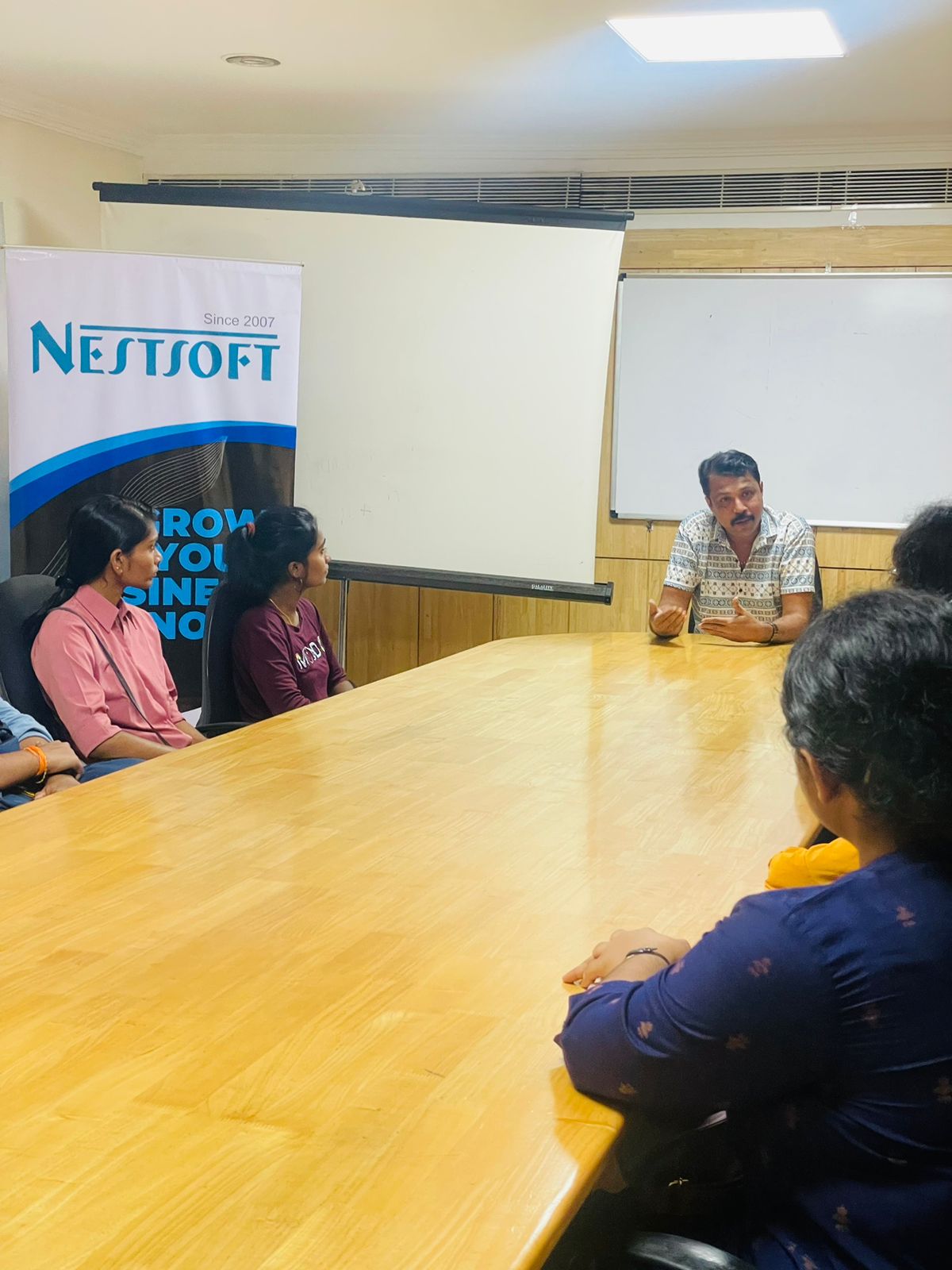
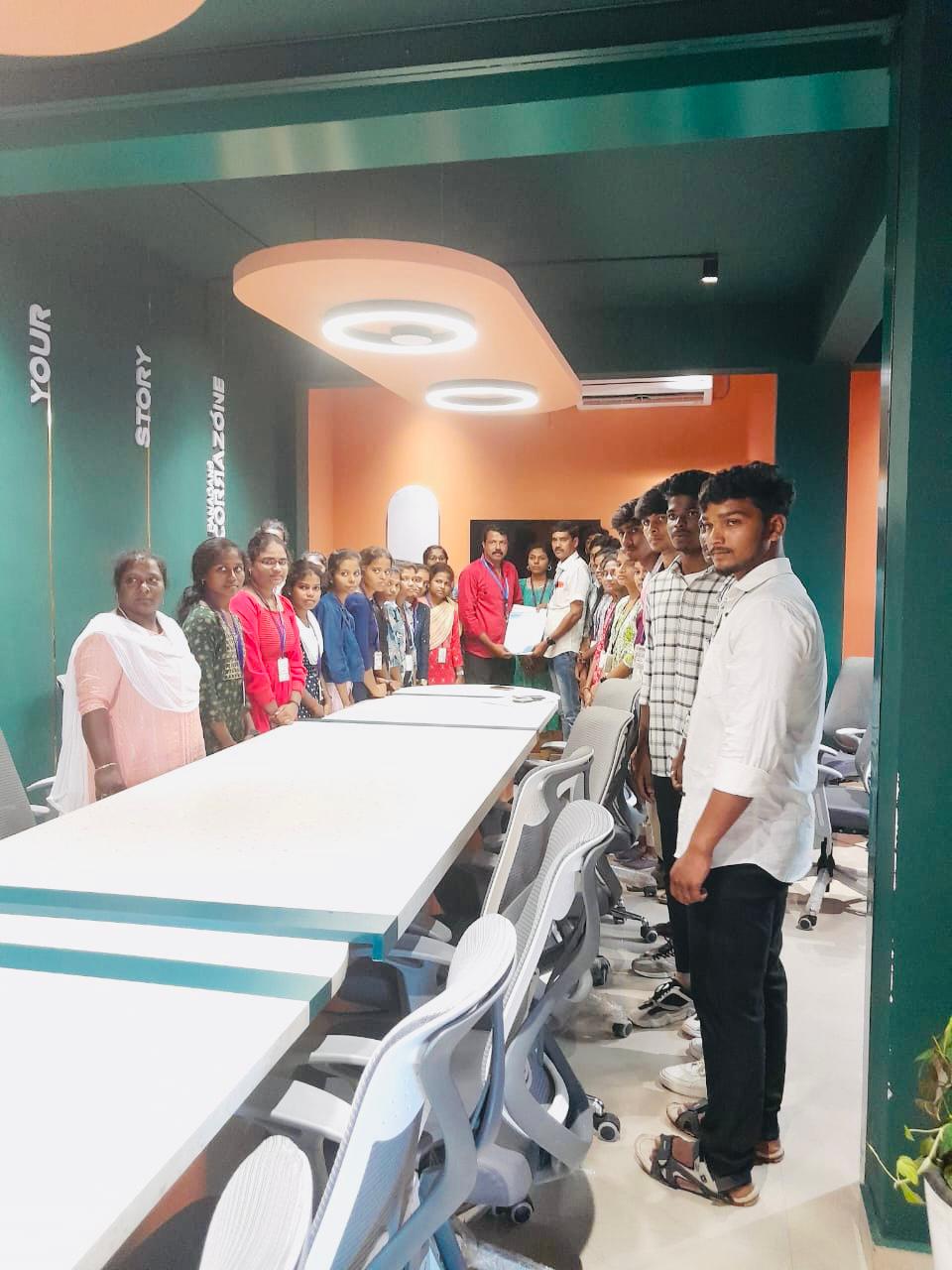
Photos of Training / Internships

Internship/projects in berlin

Trained more than 10000+ students who trust Nestsoft TechnoMaster

Get Your Personal Trainer