Send enquiry ⏎

Microsoft SharePoint Online Live Class by Experts

Our Training/Internship Process

Microsoft SharePoint Online Live Classes in Hanover | Free Demo Training

Microsoft SharePoint - Syllabus, Fees & Duration

Here's a detailed syllabus for Microsoft SharePoint covering fundamental to advanced topics:


Microsoft SharePoint Course Syllabus

Module 1: Introduction to Microsoft SharePoint

  • Overview of SharePoint – Features and Benefits
  • SharePoint as a Collaboration Platform
  • Understanding SharePoint Architecture
  • On-Premises vs SharePoint Online
  • SharePoint Editions and Licensing
  • Navigating the SharePoint User Interface

Module 2: SharePoint Sites and Site Collections

  • Understanding Site Collections and Subsites
  • Creating and Managing Site Collections
  • Types of SharePoint Sites (Team, Communication, Hub)
  • Configuring Site Settings and Navigation
  • Customizing Site Look and Feel
  • Creating and Managing Pages with Web Parts
  • Understanding SharePoint Home Site and Hub Sites

Module 3: SharePoint Lists and Libraries

  • Creating and Managing Lists (Custom Lists, Task Lists, Calendar)
  • Document Libraries – Features and Versioning
  • Metadata and Content Types
  • Creating and Managing Views and Filters
  • Working with Large Lists – Indexing and Performance Optimization
  • Using Lookup Columns and Relationships

Module 4: SharePoint Content Management

  • Understanding SharePoint Content Management System (CMS)
  • Document Versioning and Check-in/Check-out Features
  • Implementing Content Approval Workflows
  • Document Co-Authoring and Collaboration
  • Records Management and Compliance Policies
  • Managing Document Retention Policies
  • Using Document Sets for Organizing Content

Module 5: SharePoint Permissions and Security

  • SharePoint Security Model Overview
  • User Roles and Permission Levels
  • Creating and Managing Permission Groups
  • Site and Item-Level Security
  • External Sharing and Guest Access
  • Managing Access Requests and Invitations
  • Auditing and Monitoring Security

Module 6: SharePoint Workflows and Automation

  • Introduction to SharePoint Workflows
  • Automating Tasks with Power Automate (Microsoft Flow)
  • Creating and Customizing Workflows
  • Approval Processes and Notification Workflows
  • Using SharePoint Designer for Workflows
  • Integrating Power Automate with SharePoint

Module 7: SharePoint Integration and Customization

  • Integrating SharePoint with Microsoft 365 (Teams, OneDrive, Outlook)
  • Using PowerApps for Custom Forms
  • Introduction to SharePoint Designer
  • Customizing SharePoint with JSON and PowerShell
  • Developing Custom Web Parts and Extensions
  • Using REST API and JavaScript for Customizations

Module 8: SharePoint Administration

  • Central Administration Overview (For On-Premises)
  • Managing SharePoint Online Admin Center
  • Creating and Managing Subsites
  • Managing Quotas and Storage Limits
  • Monitoring and Troubleshooting Issues
  • Performing Backup and Restore in SharePoint
  • Using SharePoint Health Analyzer

Module 9: SharePoint Search and Business Intelligence (BI)

  • Configuring SharePoint Search
  • Search Optimization with Managed Metadata
  • Enterprise Search and Query Rules
  • Business Intelligence Features in SharePoint
  • Integrating Power BI with SharePoint
  • Creating Dashboards and Reports
  • Using SharePoint Excel Services

Module 10: Advanced SharePoint Topics (Optional)

  • SharePoint Hybrid Deployment and Migration
  • Introduction to SharePoint Framework (SPFx) for Developers
  • Customizing SharePoint with JavaScript and REST APIs
  • Enterprise Content Management (ECM)
  • Governance and Compliance Best Practices
  • Performance Tuning and Optimization

Hands-On Projects and Real-Time Scenarios

  • Setting up a SharePoint Team Site for an Organization
  • Implementing a Document Approval Workflow
  • Integrating SharePoint with Microsoft Teams and PowerApps
  • Creating Custom SharePoint Dashboards with Power BI
  • Developing a Custom Web Part for SharePoint Online

Download Syllabus - Microsoft SharePoint
This syllabus is not final and can be customized as per needs/updates
   
10000+
20+
50+
25+

Microsoft SharePoint Jobs in Hanover

Enjoy the demand

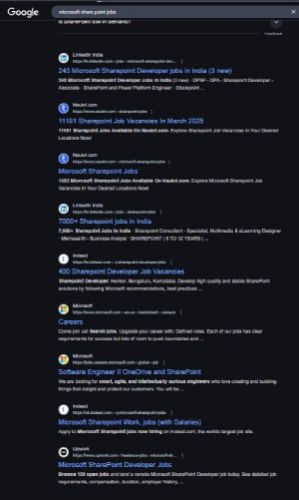
Find jobs related to Microsoft SharePoint in search engines (Google, Bing, Yahoo) and recruitment websites (monsterindia, placementindia, naukri, jobshybrid.com, indeed.co.in, shine.com etc.) based in Hanover, chennai and europe countries. You can find many jobs for freshers related to the job positions in Hanover.

  • SharePoint Administrator
  • SharePoint Developer
  • SharePoint Architect
  • SharePoint Consultant
  • SharePoint Business Analyst
  • SharePoint Support Engineer
  • SharePoint Content Manager
  • SharePoint Workflow Specialist
  • SharePoint Project Manager
  • SharePoint Trainer

Microsoft SharePoint Internship/Course Details

Microsoft SharePoint internship jobs in Hanover
Microsoft SharePoint Enroll now and boost your career with expert SharePoint training! 🚀. The Microsoft SharePoint Course by Nestsoft Technomaster provides expert-led training to help professionals master SharePoint's core functionalities, including site and content management, permissions, security, workflows, and integration with Microsoft 365 applications like Teams, OneDrive, and Outlook. With live interactive sessions, industry-relevant projects, and placement assistance, this course ensures you gain the practical expertise needed to excel in SharePoint-related roles. Whether you are an IT professional, business analyst, or developer, this course will guide you through creating and managing SharePoint sites, configuring document libraries, implementing workflows using Power Automate, and customizing SharePoint using PowerApps, JSON, and REST APIs. Microsoft SharePoint is a powerful platform designed for seamless collaboration, document management, and workflow automation, making it an essential tool for businesses worldwide. By the end of the training, you will be able to build, manage, and automate SharePoint solutions efficiently, enhancing organizational productivity. This hands-on training program covers both SharePoint Administration and Development, equipping learners with real-world skills to manage enterprise content effectively.


Meet a Few of our Industry Experts 🚀 Your Pathway to IT Career

Aishwarya

Mobile: +91 9895490866
Location: Online (Hanover, Germany)
Qualification: MCA

Experience: I am an ideal candidate for the position of Cyber Security for several compelling reasons With a strong educational background  more..

priyanka

Mobile: +91 89210 61945
Location: Online (Hanover, Germany)
Qualification: MBA

Experience: Android developer with Java  more..

Akash

Mobile: +91 89210 61945
Location: Online (Hanover, Germany)
Qualification: B Tech (Mechanical)

Experience: C programming language C++  more..

KUNDAN

Mobile: +91 91884 77559
Location: Online (Hanover, Germany)
Qualification: MBA ,CFP

Experience: As a stock market Expert my skills and experience include: 1 Market Analysis: - Technical analysis using chart patterns indicators  more..

Harkesh

Mobile: +91 91884 77559
Location: Online (Hanover, Germany)
Qualification: 12th and BCA persuing

Experience: excel word ppt python c data entry speak english and many more  more..

Mohtasham

Mobile: +91 91884 77559
Location: Online (Hanover, Germany)
Qualification: 12th

Experience: Digital marketer social media marketer seo brand marketing google ads meta ads  more..

AKHIL

Mobile: +91 8301010866
Location: Online (Hanover, Germany)
Qualification:

Experience: Skilled node js developer having 1 year of experience | Resume for Node JS Developer  more..

Takshashila

Mobile: +91 98474 90866
Location: Online (Hanover, Germany)
Qualification: BE

Experience: Manual Testing Unit Testing Integration Testing System Testing user acceptance Testing test case test scenario SDLC STLC Defect life cycle  more..

Navjot

Mobile: +91 94975 90866
Location: Online (Hanover, Germany)
Qualification: BTech CSE

Experience: I have 3 years of experience as Angular developer I am ready to start from today onwards Please revert if  more..

Ankit

Mobile: +91 8301010866
Location: Online (Hanover, Germany)
Qualification: Web developer

Experience: Ive good knowledge about web development including html css Javascript reactjs springboot etc   more..

Savita

Mobile: +91 94975 90866
Location: Online (Hanover, Germany)
Qualification: BE

Experience: Html css JavaScript figma wordpress basics of php and boostrap   more..

Axar

Mobile: +91 91884 77559
Location: Online (Hanover, Germany)
Qualification: Bca

Experience: I have work experience in native android with Java Kotlin Firebase Third party library s  more..

Krishnapriya

Mobile: +91 91884 77559
Location: Online (Hanover, Germany)
Qualification: B. Tech

Experience: Java kotlin flutter(basics) REST APIs JSON SQLite MYSQL XML JavaScript  more..

Hetvi

Mobile: +91 8301010866
Location: Online (Hanover, Germany)
Qualification: BCA

Experience: I am skilled wordpress developer with intesne knowledge of digital marketing and SEO I have high proficiency in english language  more..

Putta

Mobile: +91 91884 77559
Location: Online (Hanover, Germany)
Qualification: B.tech

Experience: HTML Java SQL Python programming languages  more..

Nehamol

Mobile: +91 9895490866
Location: Online (Hanover, Germany)
Qualification: B.Tech

Experience: manual testing sql java html css  more..

Bhumit

Mobile: +91 91884 77559
Location: Online (Hanover, Germany)
Qualification: MCA

Experience: Odoo v11 to v17 Excel Q web report Backend website Python odoo sql  more..

Jemsheed

Mobile: +91 8301010866
Location: Online (Hanover, Germany)
Qualification: Bachelors in computer application

Experience: Selenium webdriver with java Manual testing Sql server (1year exp ) Basics of postman jmeter and jira  more..

Alfiya

Mobile: +91 9895490866
Location: Online (Hanover, Germany)
Qualification: BCA

Experience: Software testing in both manual and automation Communication skill Problem solving skill  more..

Pulakandam

Mobile: +91 94975 90866
Location: Online (Hanover, Germany)
Qualification: B-Tech

Experience: Ethical hacking python cyber security  more..

Pooja

Mobile: +91 91884 77559
Location: Online (Hanover, Germany)
Qualification: BCA

Experience: UI ux design Visual design Wireframe Time management Creativity Critical thinking  more..

Aditya

Mobile: +91 94975 90866
Location: Online (Hanover, Germany)
Qualification: B.Tech

Experience: I'm good at C++ python java and also good in web development and Have achieved Good ratings in different different  more..

Ramya

Mobile: +91 89210 61945
Location: Online (Hanover, Germany)
Qualification: BE CSE

Experience: This is Ramya I have 2 4 years experience in both manual and Automation testing I have good knowledge in  more..

Trupti

Mobile: +91 91884 77559
Location: Online (Hanover, Germany)
Qualification: B. Sc

Experience: Hardware and networking |   more..

Success Stories

The enviable salary packages and track record of our previous students are the proof of our excellence. Please go through our students' reviews about our training methods and faculty and compare it to the recorded video classes that most of the other institutes offer. See for yourself how TechnoMaster is truly unique.

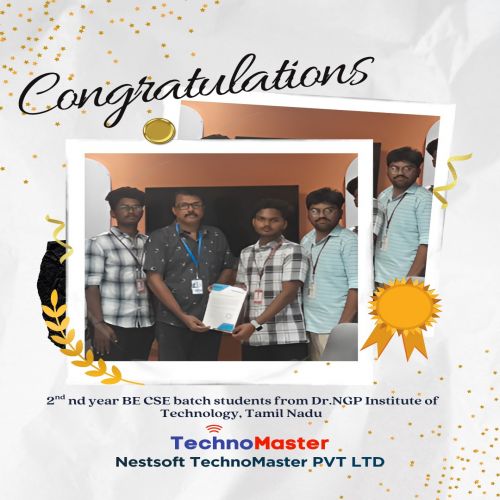
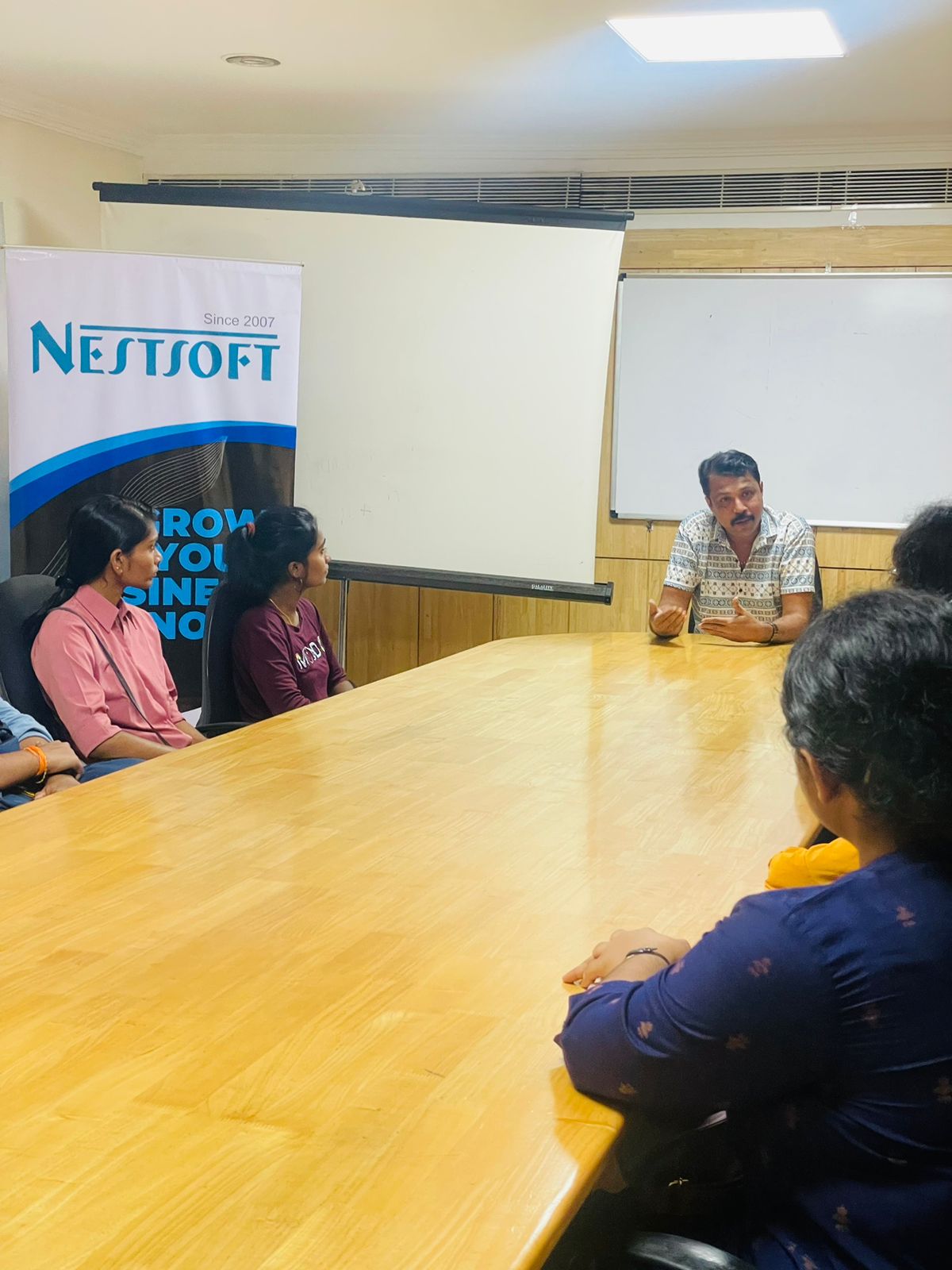
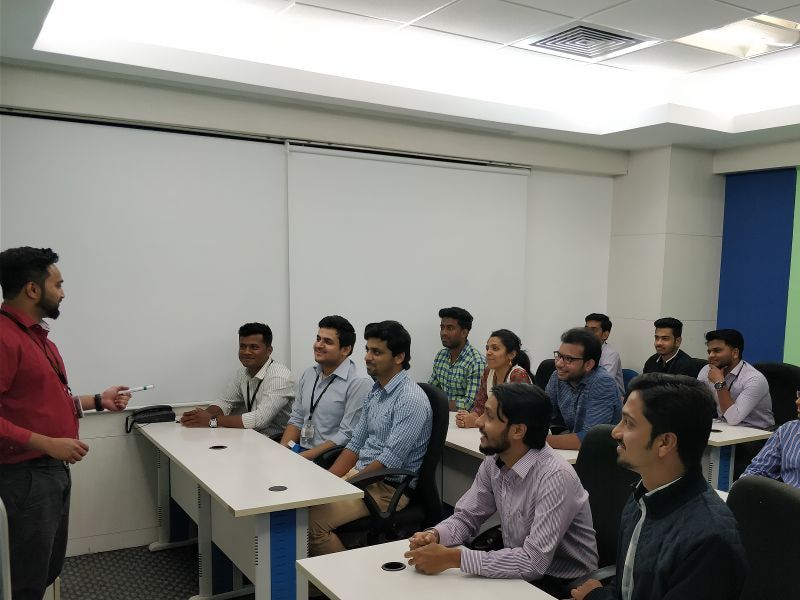
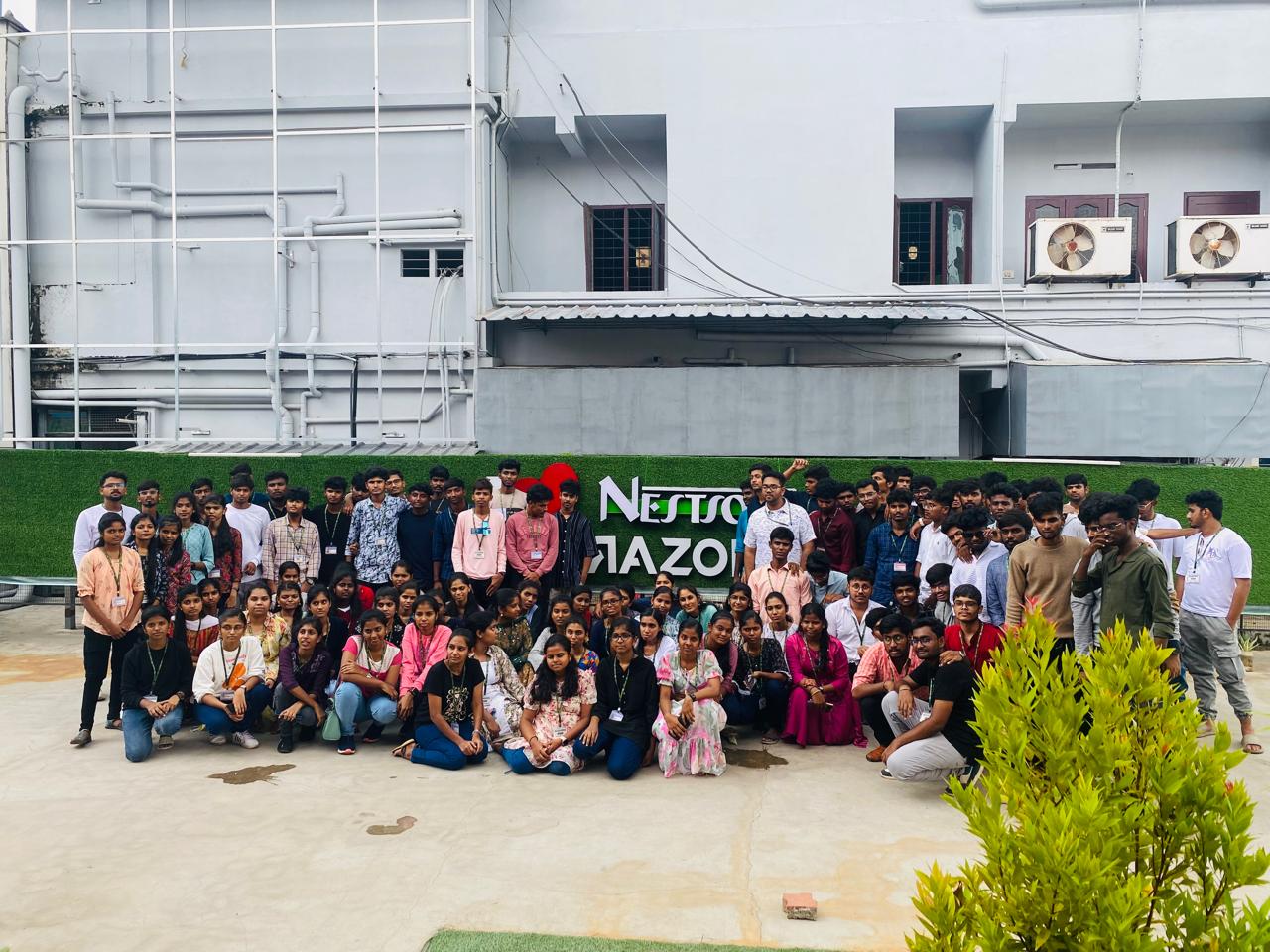
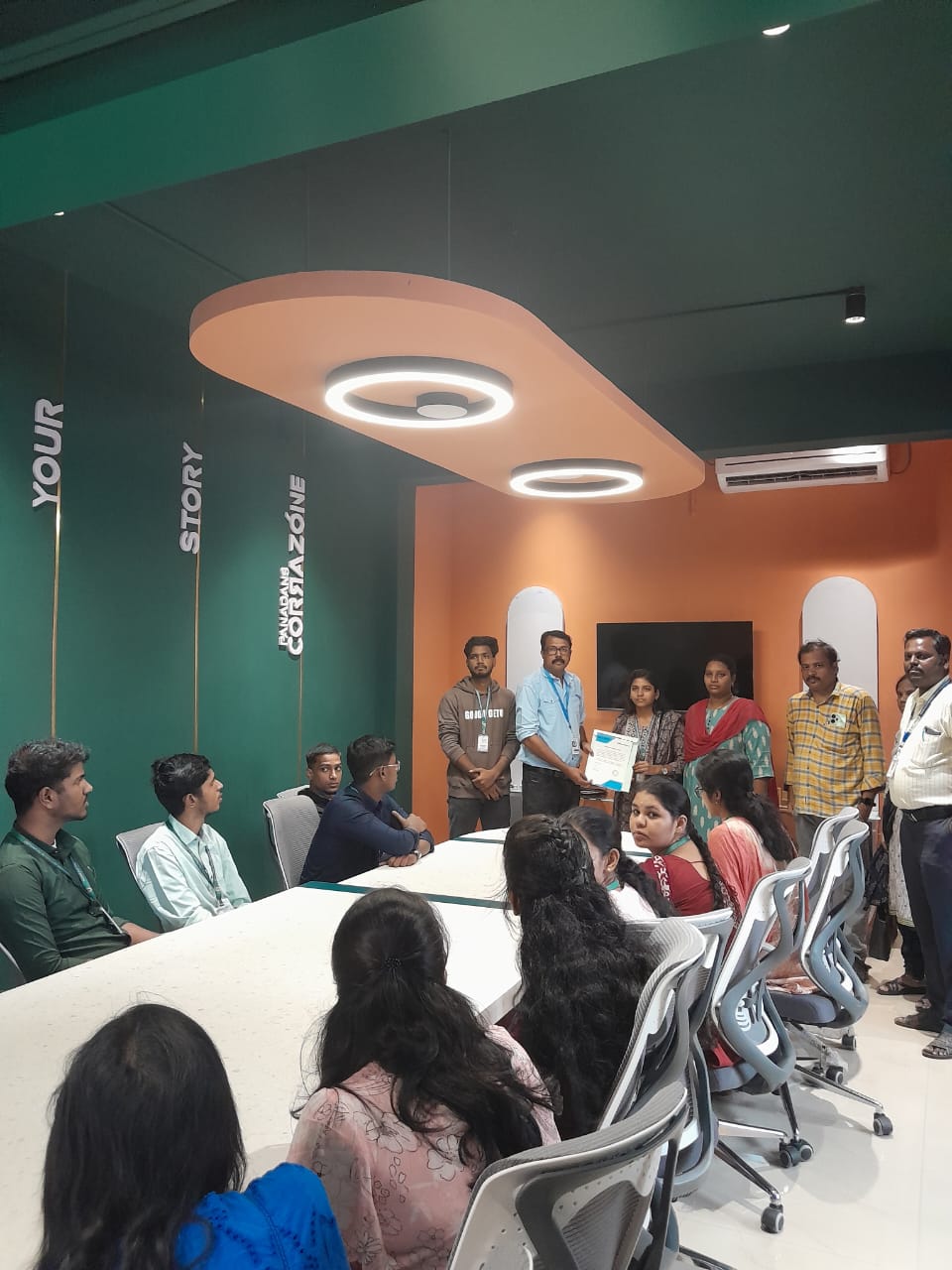
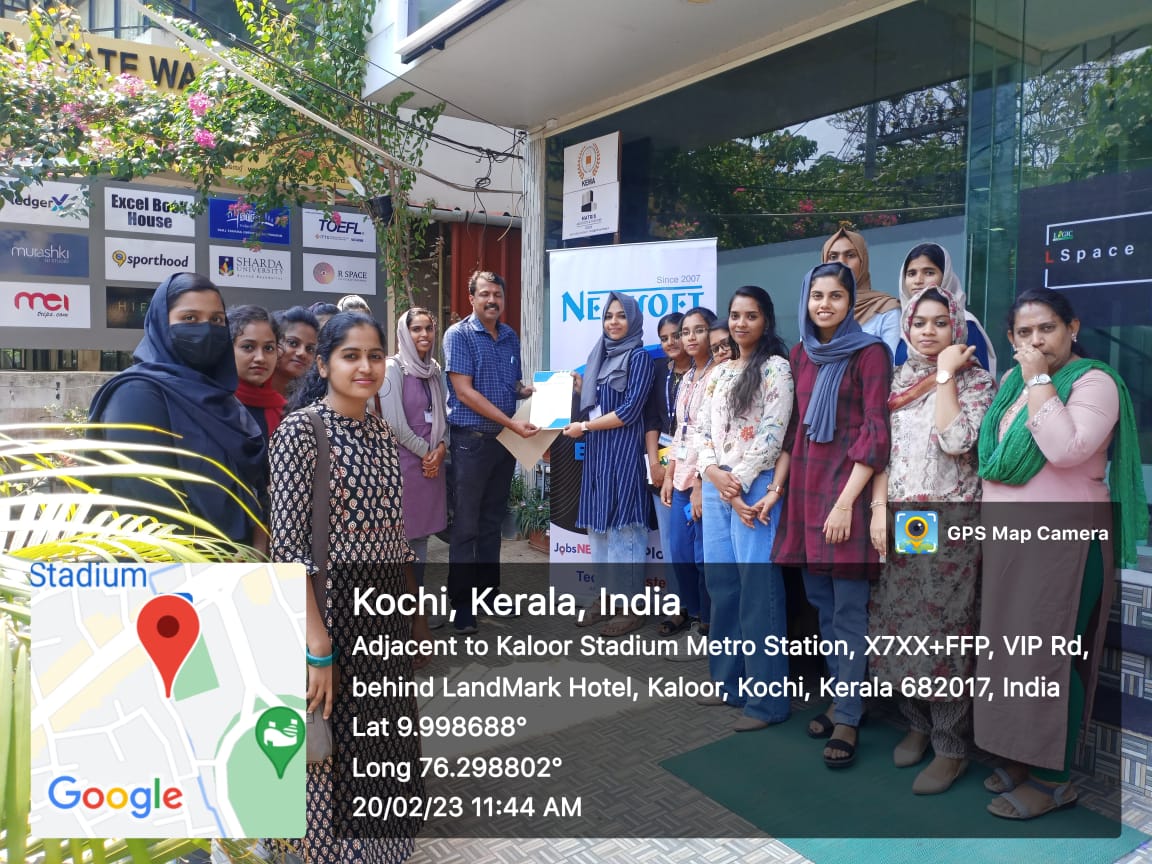
Photos of Training / Internships

Internship/projects in hanover

Trained more than 10000+ students who trust Nestsoft TechnoMaster

Get Your Personal Trainer